
WL Mouse Ying – Mater

WL Mouse Ying – Mater

The newly released WL Mouse Ying is a striking mouse with top of the line specs, and a top of the line price of $180. This is a first impressions review based off of 2 days, hours in Aim training and Valorant, as well as side-by-side comparison with other mice.


Once I get more experience with the mouse, I will make a full review and video. This review will be most useful for those who have the opportunity to buy a first batch unit and are debating whether or not they should, or those who just want some early information on the mouse.

Specifications

  • 3950 Sensor
  • Optical switches
  • 37g(+-2) 
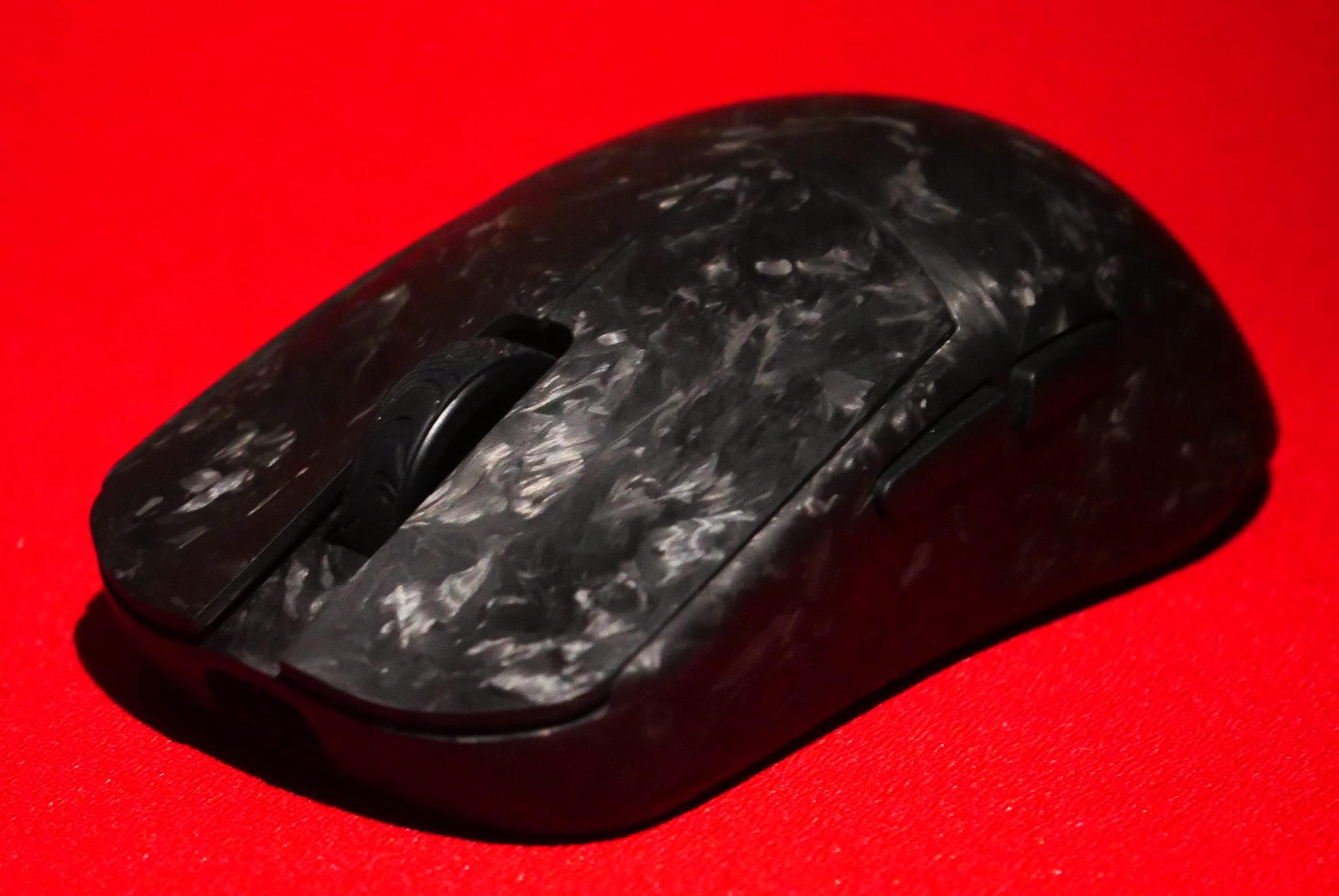
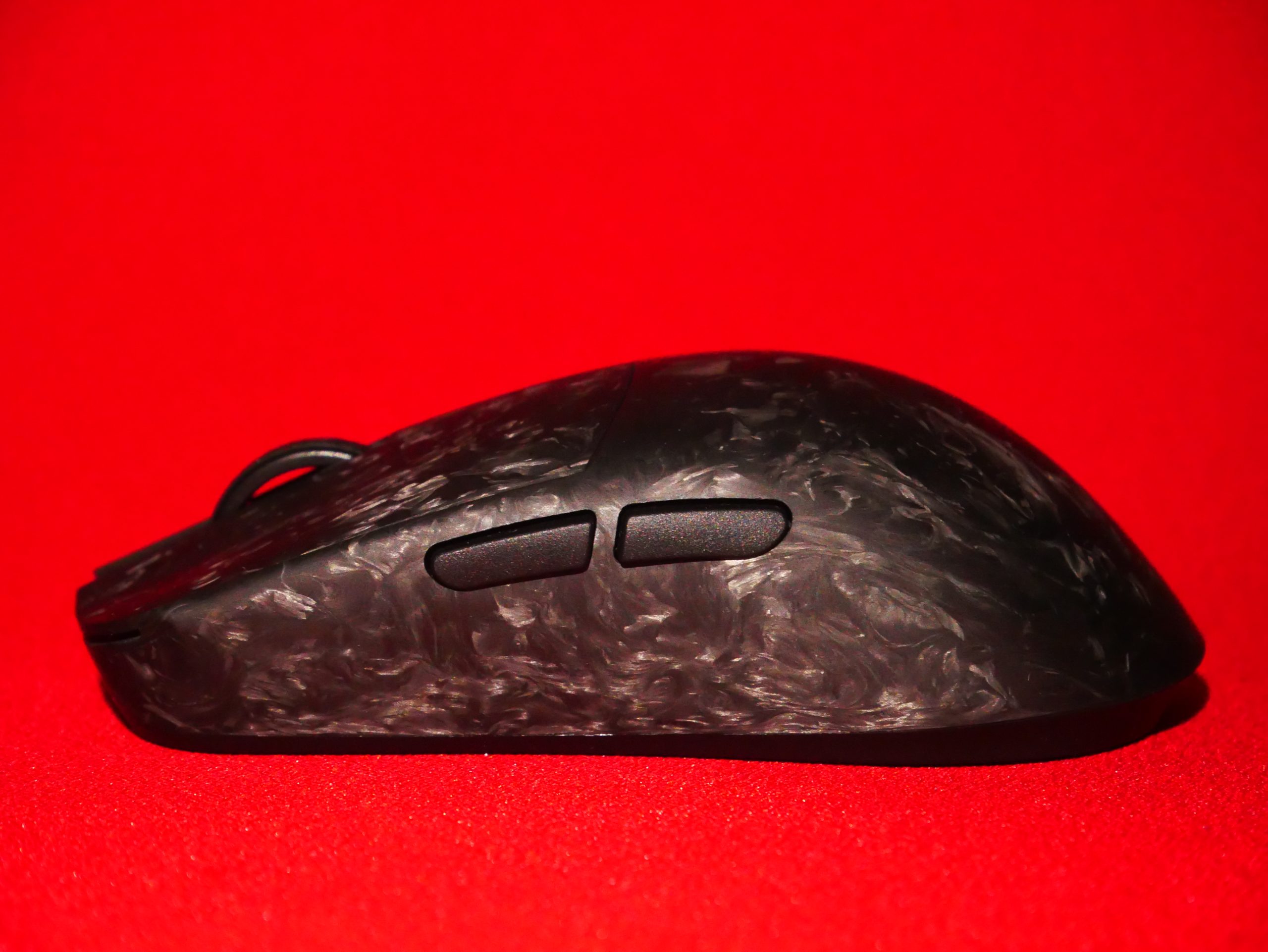
  • Forged Carbon Shell
  • Web-based Driver
  • 8k dongle
  • 1k dongle

Build Quality

The build of the forged carbon shell is very impressive, after applying abnormal amounts of pressure it didn’t creak or flex anywhere. The only place in the mouse where there is even minor flex is the plastic bottom after applying quite a bit of pressure. I find this completely acceptable as in no unintentional use situation will you experience flex at the bottom of the plate. The overall structural integrity of this mouse is great, although there is an issue, the side buttons.

Side Buttons:

As majority of first batch products, they may have issues, the first batch of the the WL Mouse Ying is no exception. The side buttons of this mouse have a flaw in which they may get stuck, or have a lot of post-travel. Thankfully WL Mouse has addressed this issue, and confirmed that they are resolving it, possibly by the second batch coming in February, although this has not yet been confirmed.


The issue of the side button getting stuck is only prevalent in one of my side buttons. The side buttons on this mouse have very minimal pre-travel. The issue is post travel, if you press the side buttons in the middle there is very minimal post travel and you can feel as if there is a reinforcement right behind the middle of each button preventing post travel. At the edges of the side button on the other hand there is quite a bit of post travel, especially if you press hard, during normal use in games the side buttons feel slightly mushy at the edges, and feel alright when actuating them in the middle.


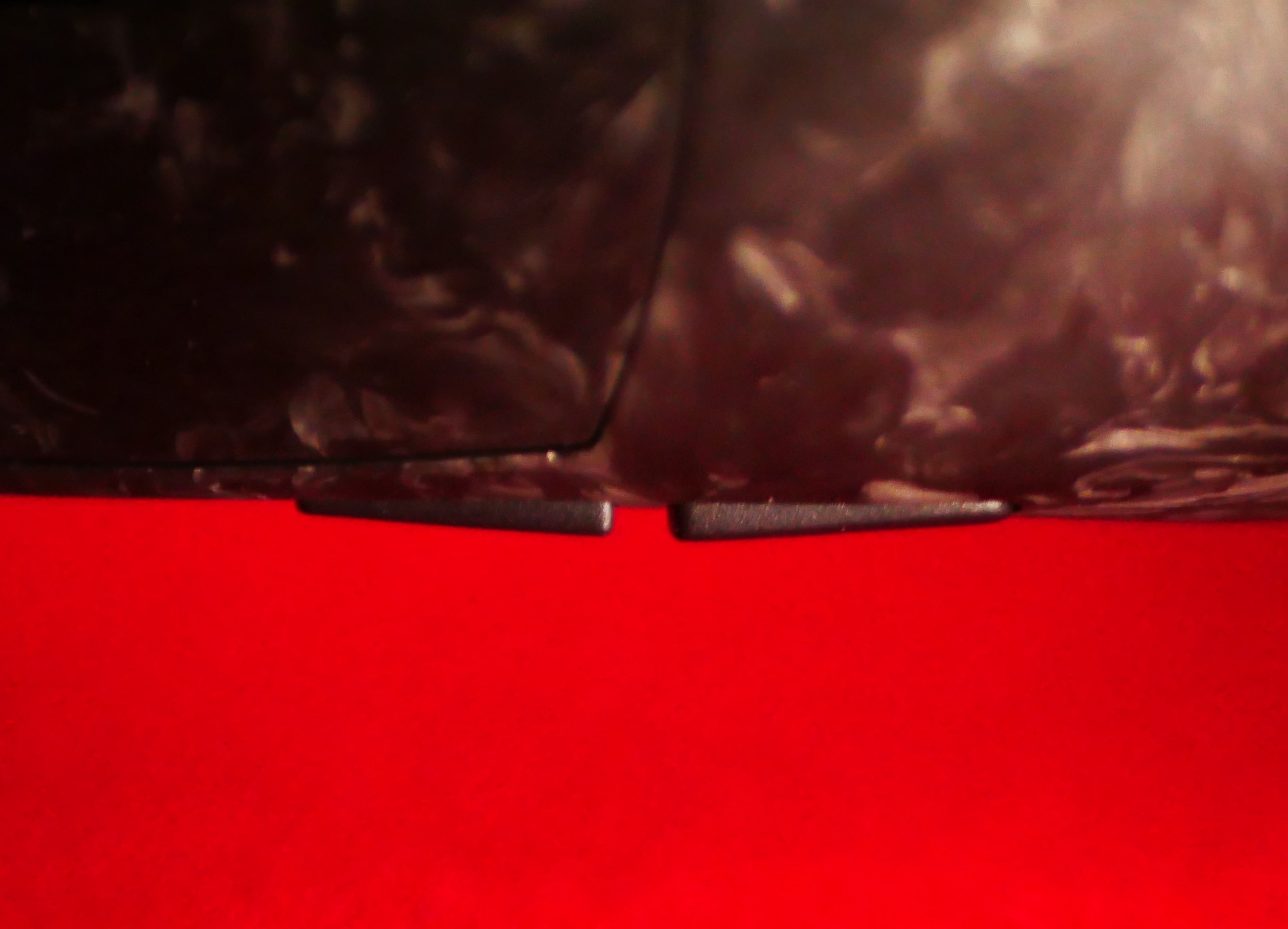
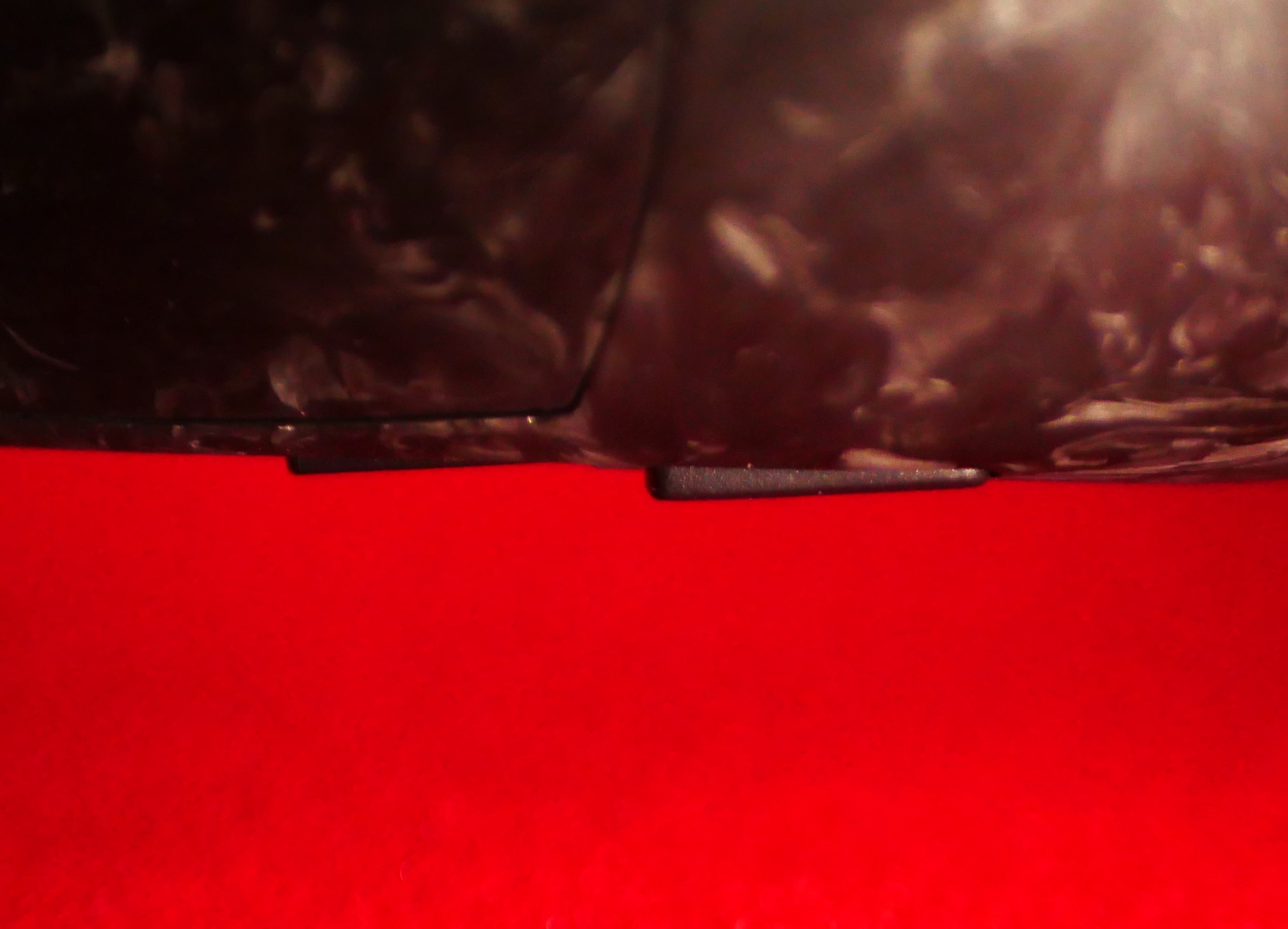
As shown in the picture below, after apply 1.5x-2x the amount of pressure of normal use at the edges they button may get stuck. All it takes to return the side button into its normal position is pressing the sticking out edge of the side button and the button clicks back into place. They are easily spammable without encountering this issue unless you use a significant amount of force, nothing that I  would ever use even in Intense gaming sessions.

Side Buttons Normally
Side button after pushing down at the edge with 1.5x-2x the normal amount of force

Scroll Wheel

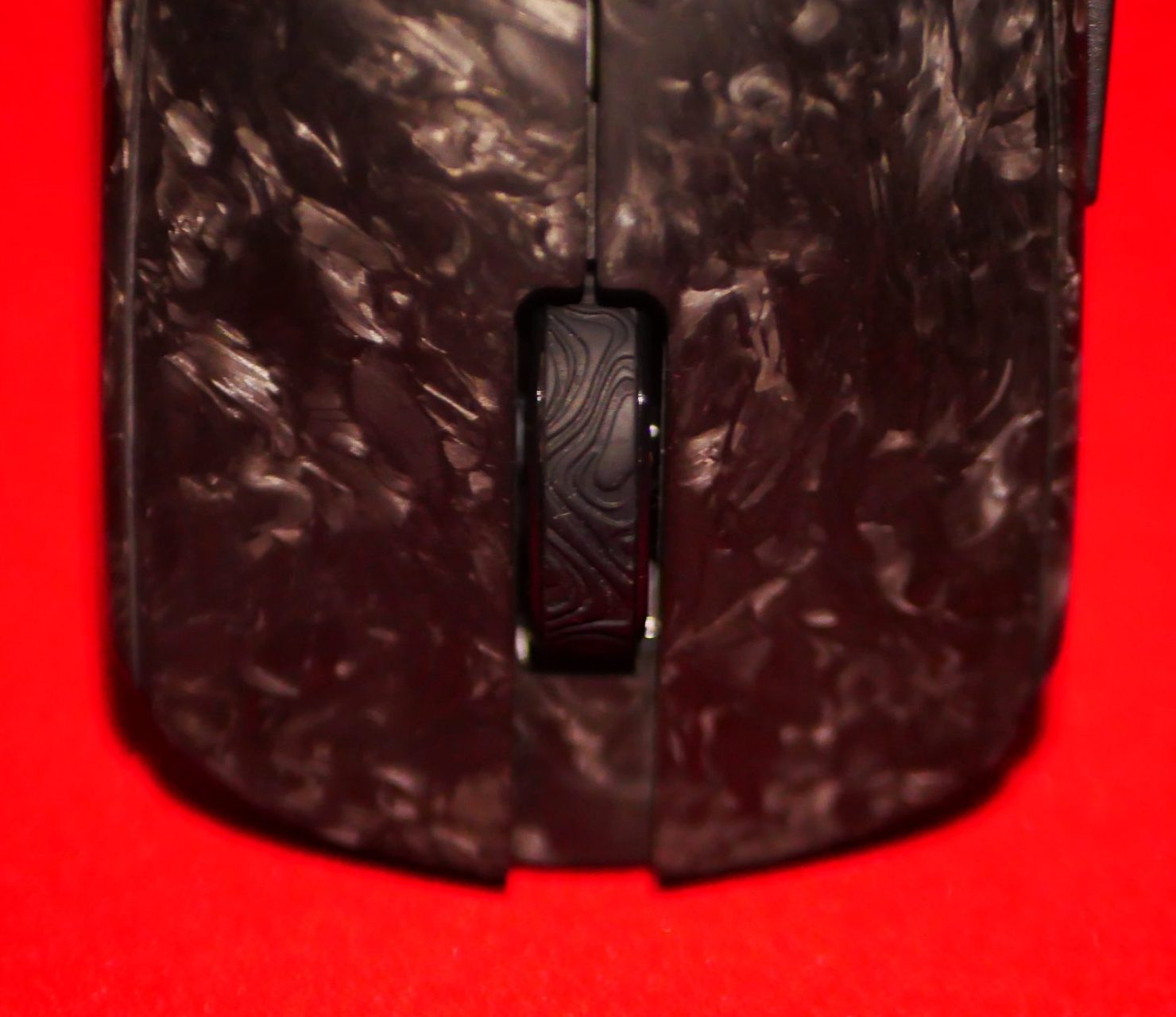
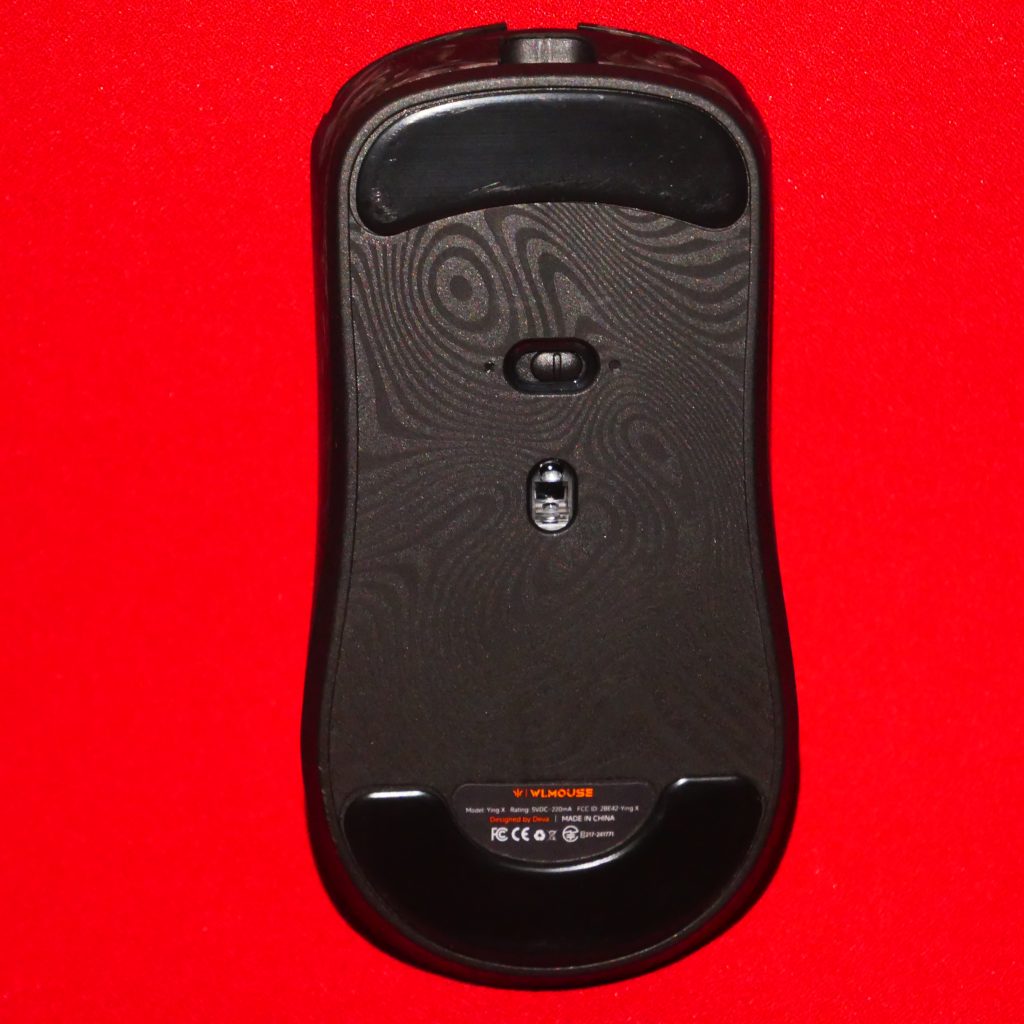
The scroll wheel of this mouse works great, it has a very tactile click, and well defined steps, I noticed that it is narrower than the scroll wheel of other mice I own, which is probably due to the overall narrow nature of this mouse, this did not affect my ability to use it in any way. In game the steps were defined well enough for me to accurately stop at each step. The scroll wheel has a rubber ring with a design matching that of the the plastic bottom plate, it is grippy and I have no issues using it. The scroll wheel is well centred but those have some side wobble, though insignificant during use. Overall the scroll wheel is good with no significant issues.

Main Clicks

The main clicks of this mouse use Omron optical switches, which I would consider to be well implemented, no issues using them. They are pretty quiet in general with a satisfying sound and feel. They feel crispy, tactile, and light, easily spammable. My unit has minimal to no pre-travel, my left click has nearly no post-travel, while my right click has very minimal non-significant post-travel. They do have some minor side wobble but this did not affect my experience using it and my performance in games or aim trainers.

Coating/Feel

The coating on this mouse feels great, grip tape is not mandatory for it, I compared it to a couple other mice and It is a smooth feeling mouse while feeling dry, not slippery.


For reference here is a comparison with other mice:


Atk x1 Ultra – Smooth, when hands are dry it has a solid amount of grip, but once hands get sweaty the mouse gets slippery


Sprime PM1 – Smooth, one of my favourite coatings as it maintains grip very well even when hands are sweaty


WL Mouse Ying – Smooth, Similar feel to the Sprime pm1, also has great grip, but has a unique very fine texture, that almost feels chalky but not quite , the mouse is smooth and grippy, feels nice.

Skates

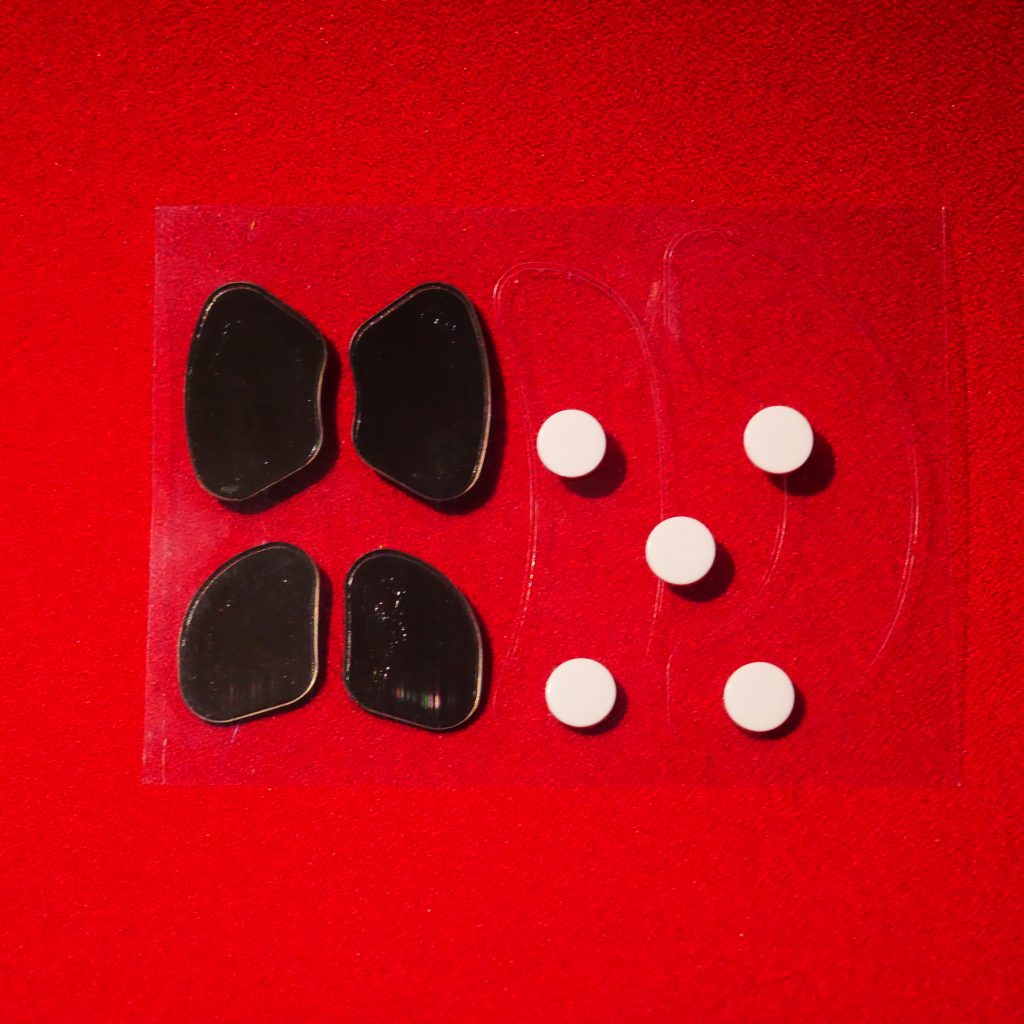
The ying comes with dot skates on by default and additionally fullsized skates and corner skates in the box. I tested the Ying mainly on my Quaoar Oceanus, which is 4mm thick and is something between an aritsan soft and xsoft. The dot skates dug into the mousepad and scratched the surface, it was unusable when applying any pressure. I instantly changed skates to the provided full sized ones.

Dot skates I removed and the corner skates
Full sized skates that came in the box which I used to replace the dot skates

The full sized skates felt somewhat fast, while providing a good amount of control, the feel good, glide smoothly, and I consider their speed to be be medium but a bit on the faster side.

Dongles/Connectivity/Performance

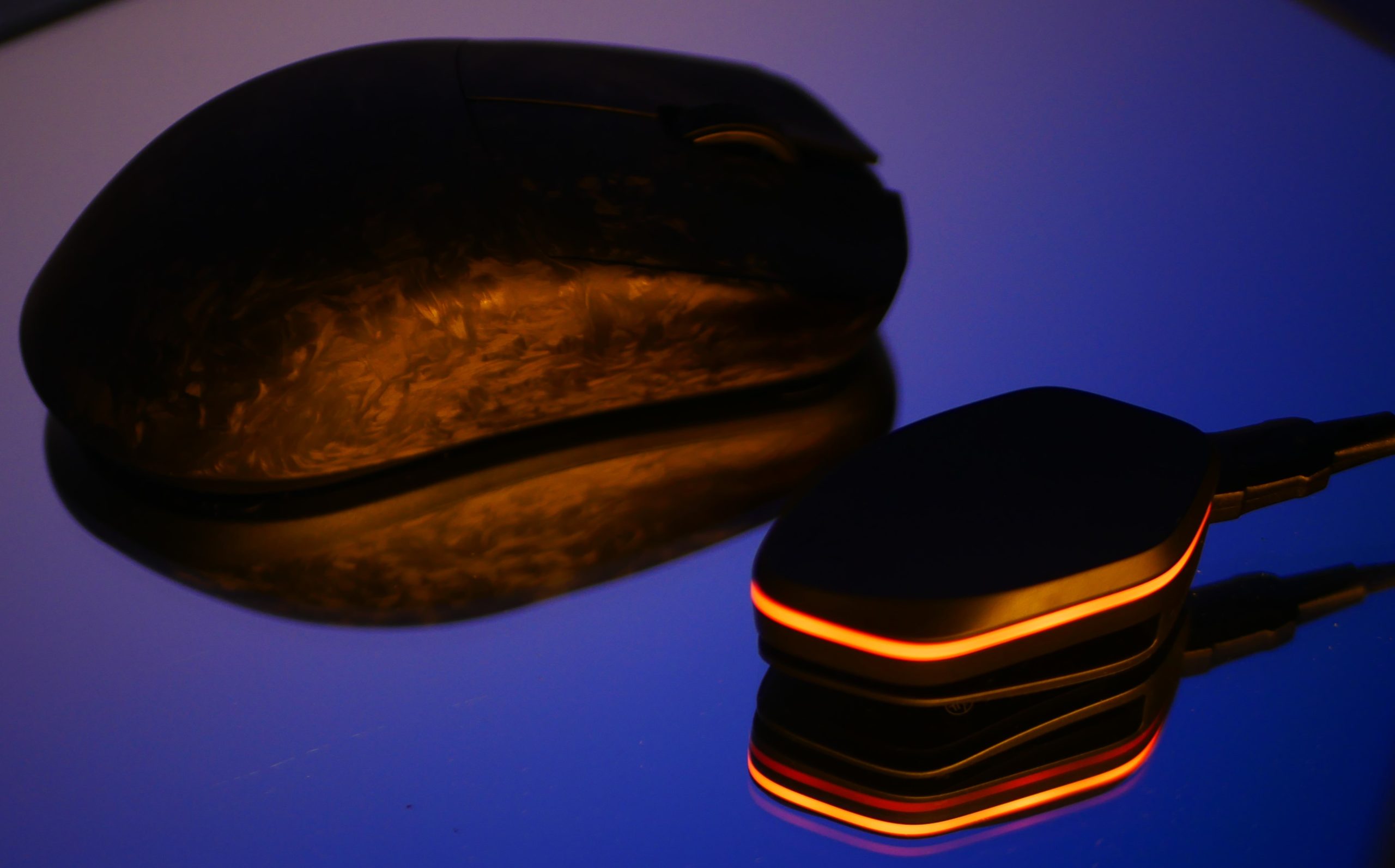
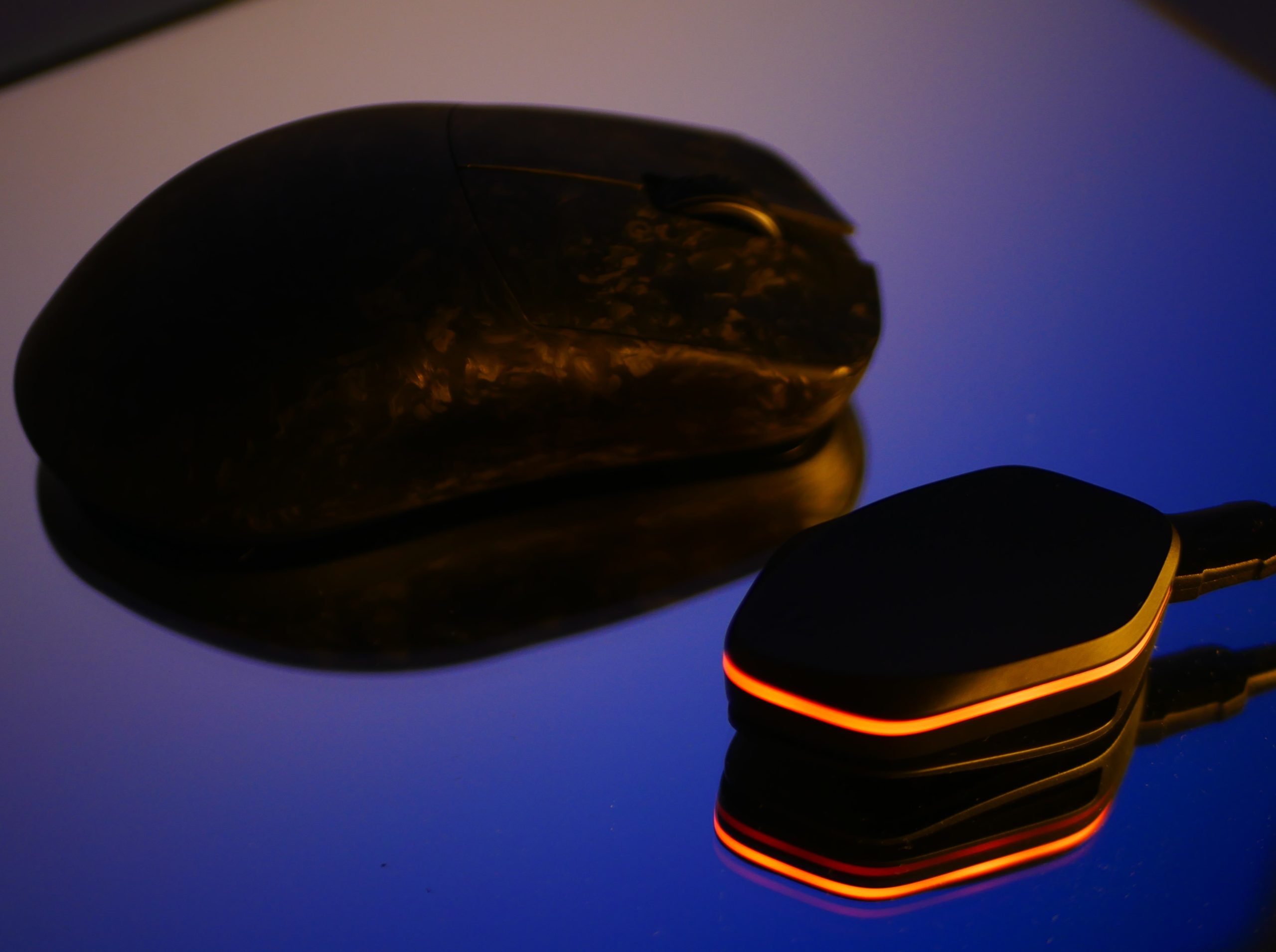
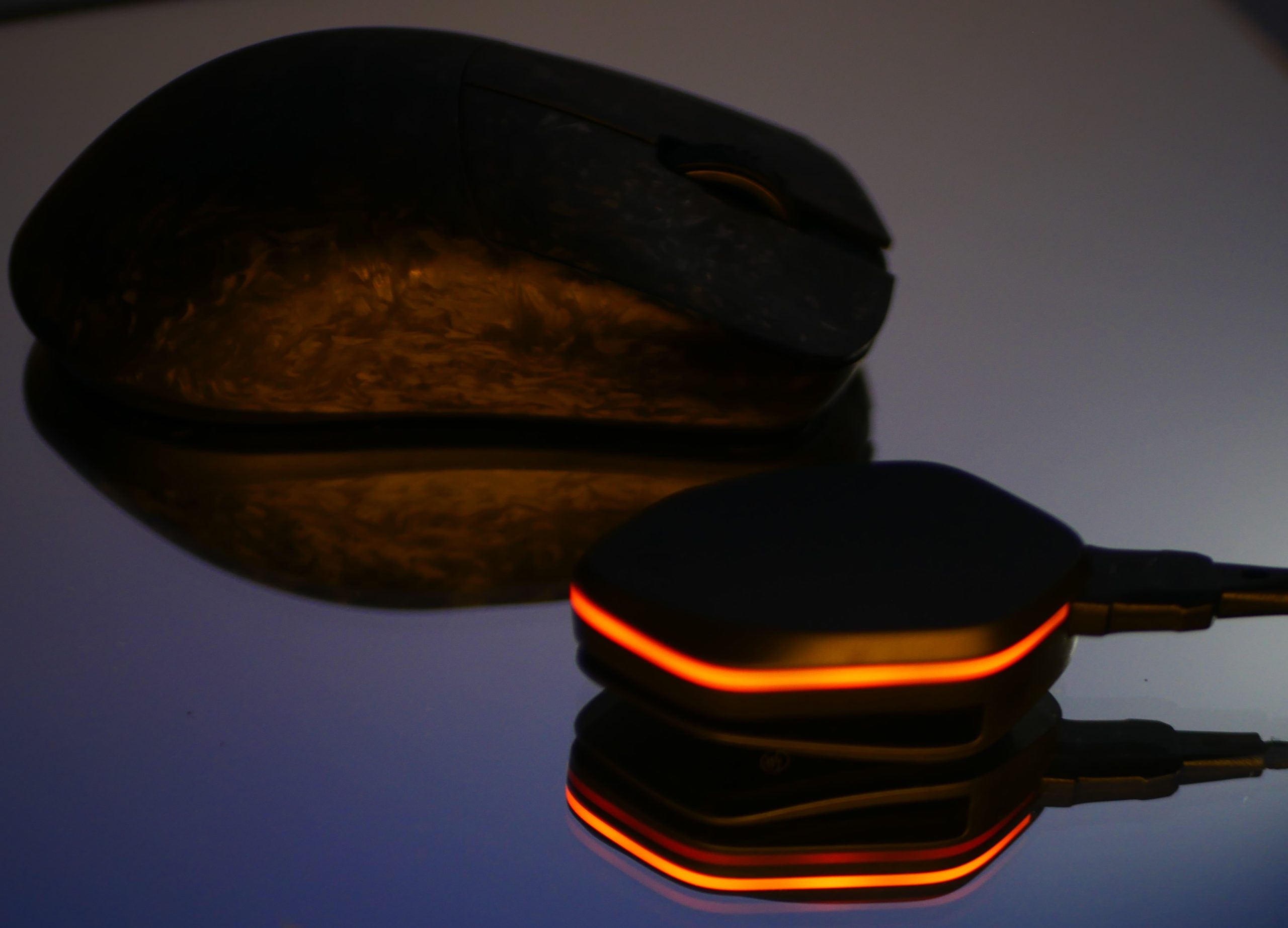
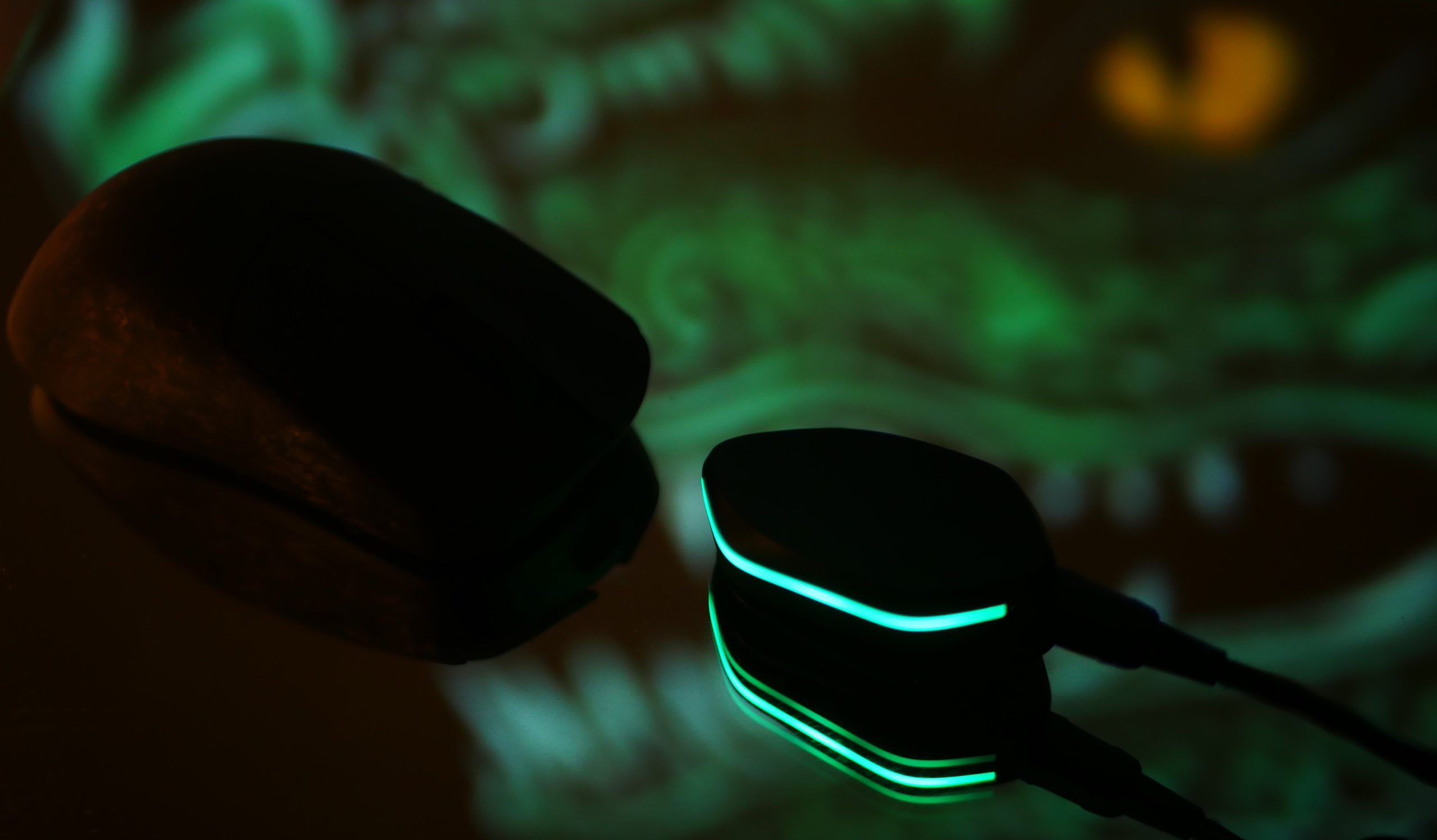
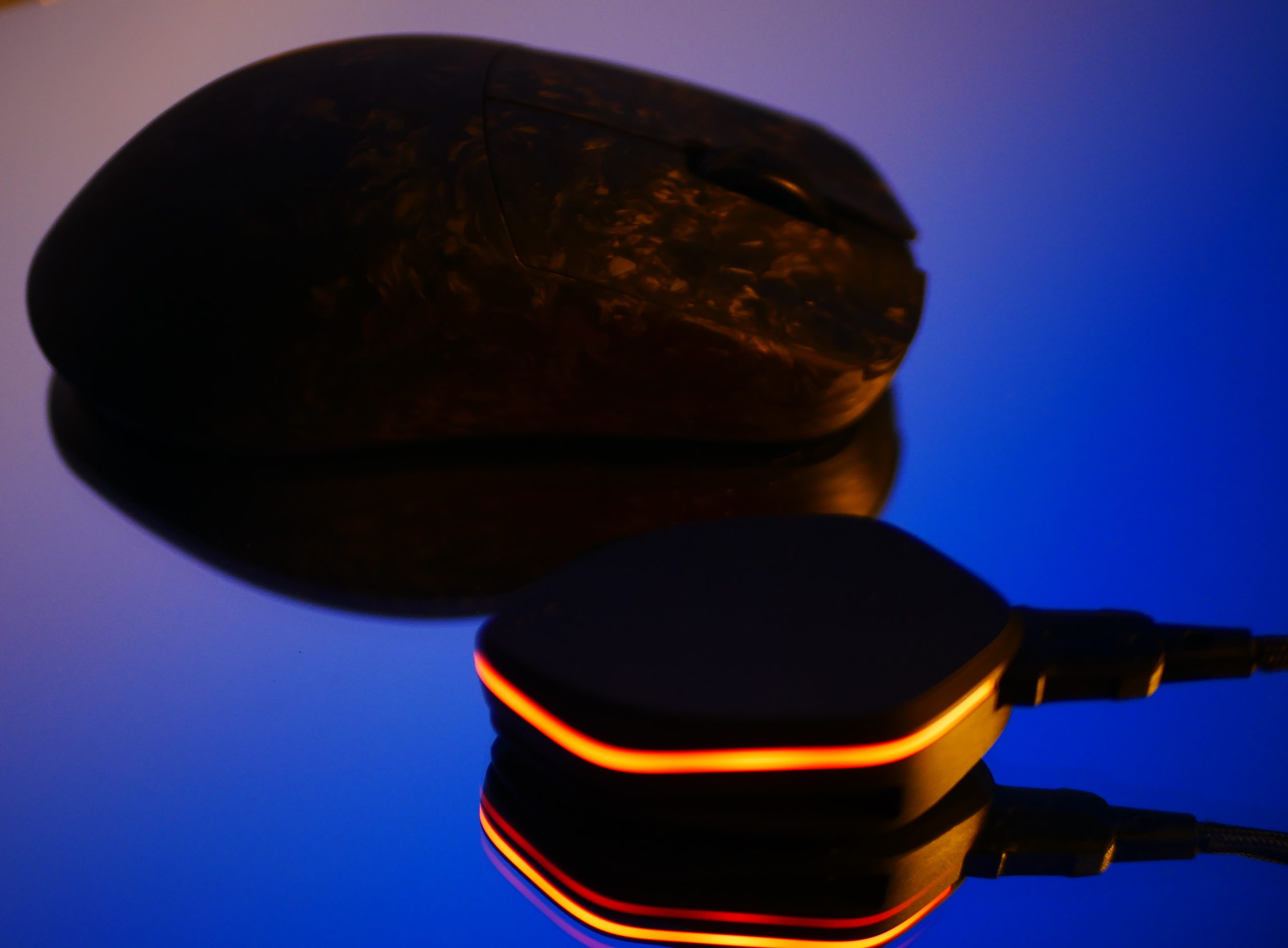
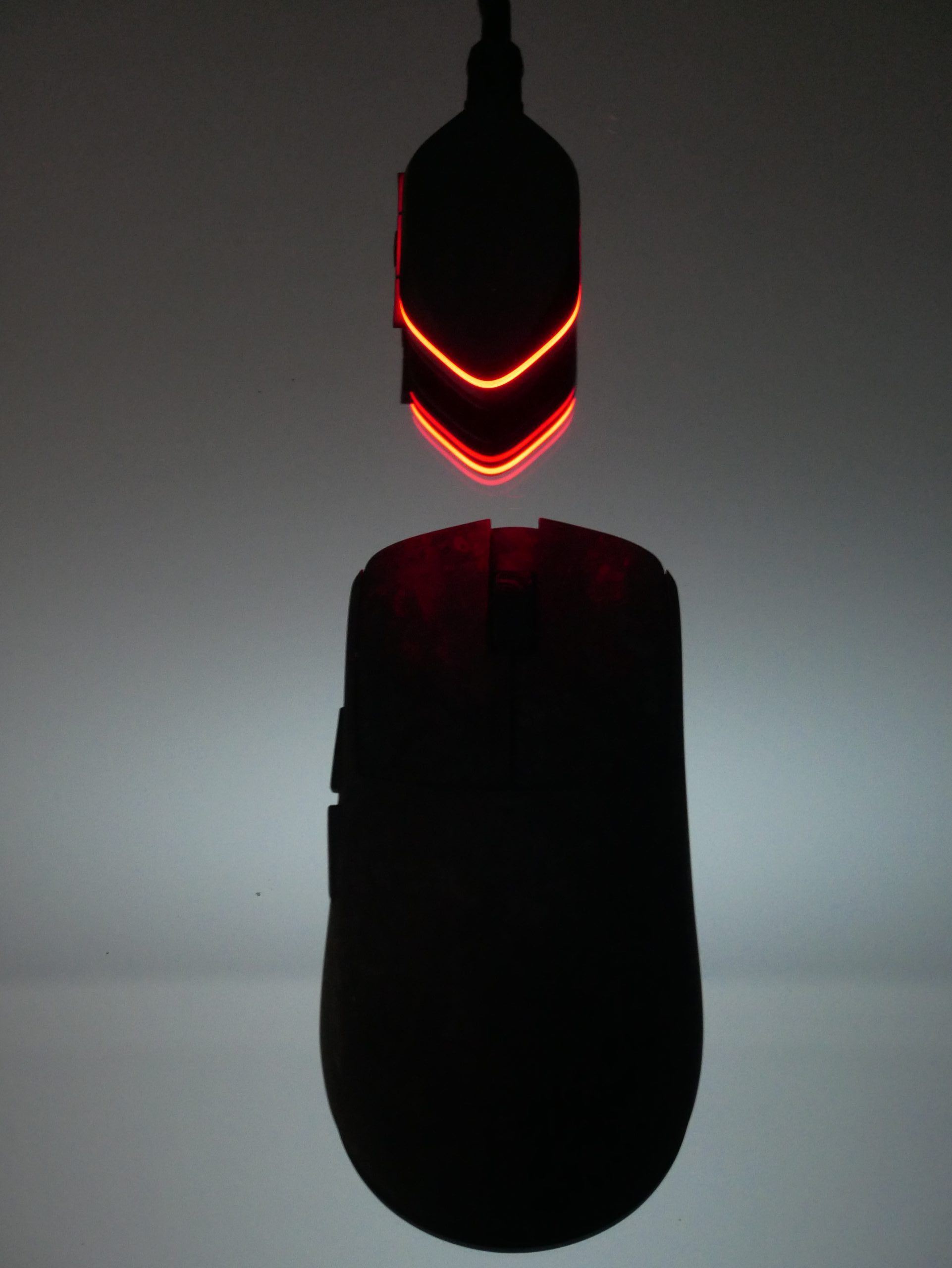
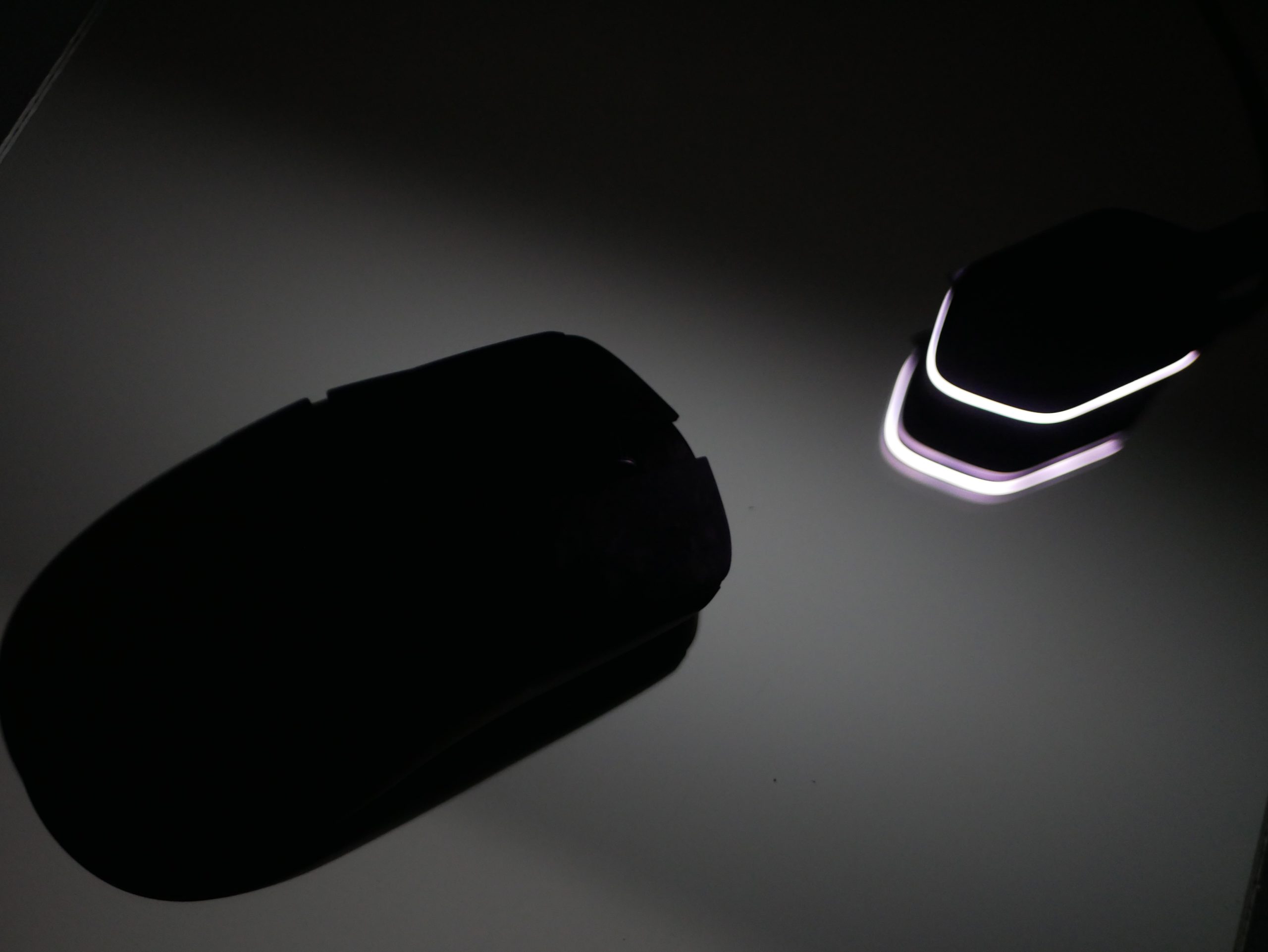
The Ying comes with 2 dongles, a small 1k usb dongle with a dustcover, and a as shown above, larger 8k dongle with a RGB light and 3 buttons to adjust the LOD, Polling Rate, and DPI. The 8k dongle is made of plastic and has a clip, I believe intended to be used on a cloth mouse pad. At first It did not look great to me, but once the lights went off and I started taking pics I began to realize how cool it is.


I really appreciate WL Mouse for including the smaller usb dongle, it gives the mouse so much more versatility, especially for laptop. This is something that happens rarely especially with higher end mice.


The performance of this mouse felt great. I was able to beat my high scores in aim labs, my previous high scores were set by the Sprime PM1, the Ying did not lack in any aspect in terms of performance.

Shape

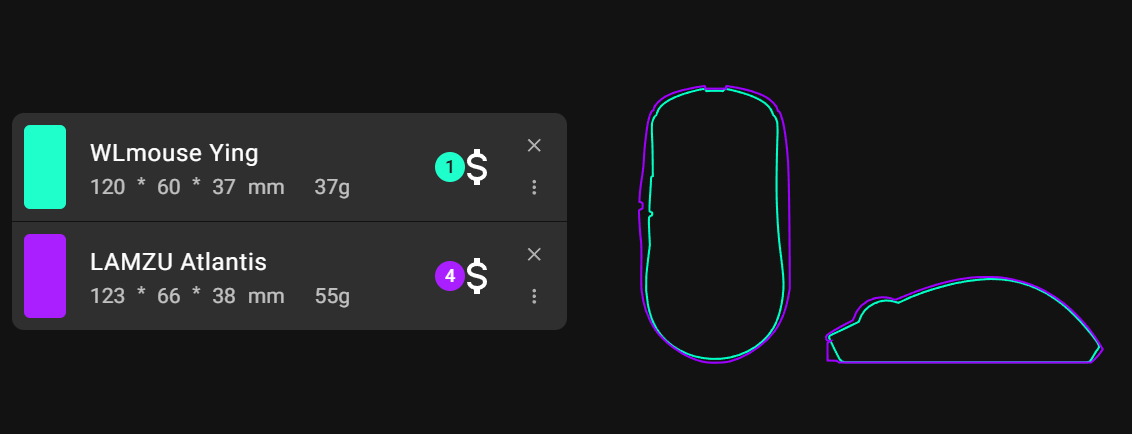
My hands size is 19,5cm x 10cm, and Im happy to say its shape suits me very well. The Ying is a slightly longer Endgame Gear OP1 clone, it is designed for claw-grip, which is the grip I used with it and is the grip I perform best with.


The mouse I compared it most to is the Lamzu Atlantis, The Atlantis is a clone of the Endgame Gear XM1, the bigger brother of the op1. What I did not enjoy about the Lamzu Atlantis is how wide its rear hump was. The rear hump of the Atlantis was too wide for me, while being somewhat flat, preventing the center of my palm to have any contact with the mouse.


The Ying on the other hand is still maintaining a high rear hump will being narrower, allowing me to have contact with my palm. It feels more controlled using the Ying over the Atlantis, and the Ying being pretty narrow thankfully does not cause any cramps for me after a 4 hour long intense Aim Labs session. I would say they narrowness of the mouse contributed to the snappy and sharp feel of the mouse along with the Ying being so lightweight.

Comparison with Lamzu Atlantis

Conclusion:

The WL Mouse Ying is a fantastic mouse. It has great performance, and a great feel. It will currently be my new main. The first batch of the mouse does have side button issues, the side button getting stuck does not concern me as it requires abnormal amount of force, but rather the amount of post travel at the edges of the side buttons is what bothers me most. For $180 this mouse is the full package, but the side button issue is hard to discount. Like I said at the beginning this first impressions review is meant to be especially useful for those who have to opportunity to buy a batch 1 Ying, and are not sure if they should. In general WL Mouse said they will be fixing this issue possible as soon as its next batch so obviously I would recommend waiting till then, but if:

  • you are tempted with a good offer
  • slightly mushy side buttons at the edges wont bother you due to you not playing games which involve intense side button use or for some other reason
  • you enjoy claw grip and have medium sized hands/ the op1 shape fits you  well
  • you want a more premium or lighter option to the Endgame Gear even if that means spending significantly more money

I would say the WL Mouse Ying batch 1 would be a solid pick.


Pros:

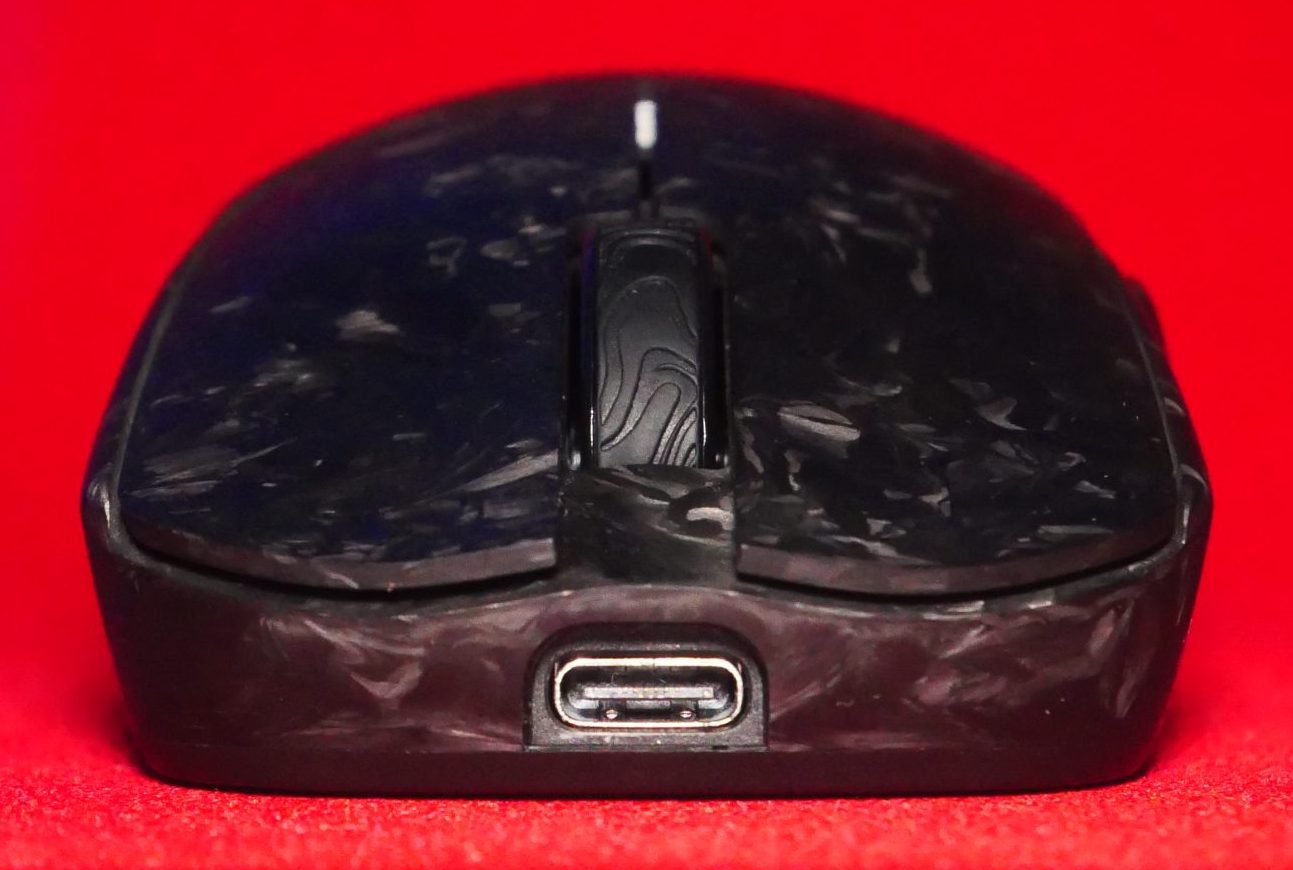
  • Forged carbon, super solid shell, looks amazing, could not stop taking pics (shown below)
  • 37g(+-2) Without having a single hole
  • top of the line sensor and switches, both have really good implementation and feel great
  • OP1 clone but slightly longer, great shape for claw grip and the added length is an appreciated addition to me 19.5cm long hands
  • Web-based Software
  • The 8k dongle has buttons for LOD, Polling rate, and DPI, has clip, and looks cool
  • Includes a small usb dongle which is rare for high end mice and greatly improves versatility
  • Includes a good cable which I did game wired with, had no issues, did not feel significant compared to wireless, dot skates(on the mouse out of the box), corner skates, full sized skates, and grips

Cons:

  • Side buttons are mushy at the edges and can get stuck if you apply abnormal force, thankfully WL Mouse is resolving this issue but still for $180 you would expect the side buttons to be no worse than that of mouse a third of its price
  • Expensive, costing $180, but I would assume forged carbon is a big contributing factor to that making the manufacturing process significantly harder
  • The 8k dongle is completely made out of plastic, which normally be ok, but it also has a clip, which might break, making the clip out of metal which is more flexible, like on the Asus Keris 2 ace, would be a great improvement in terms of durability and premium feel

I love this mouse, it let me set new records in Aim Labs, feels great, looks great(See pics below), but the side buttons being the way they are is a minor dissapointment, although they still are ok, they are not terrible by any means(Unless you get it stuck), but expectations were higher, looking forward to the future batches of the ying.

Gallery:

Comments

No comments yet. Why don’t you start the discussion?

Leave a Reply

Your email address will not be published. Required fields are marked *